Setting up a VPN connection using OpenVPN
To get started click on the start menu, then select Control Panel.
Step 1
Install the App from Google Play Store by searching for "OpenVPN Connect - OpenVPN APP"
Step 2
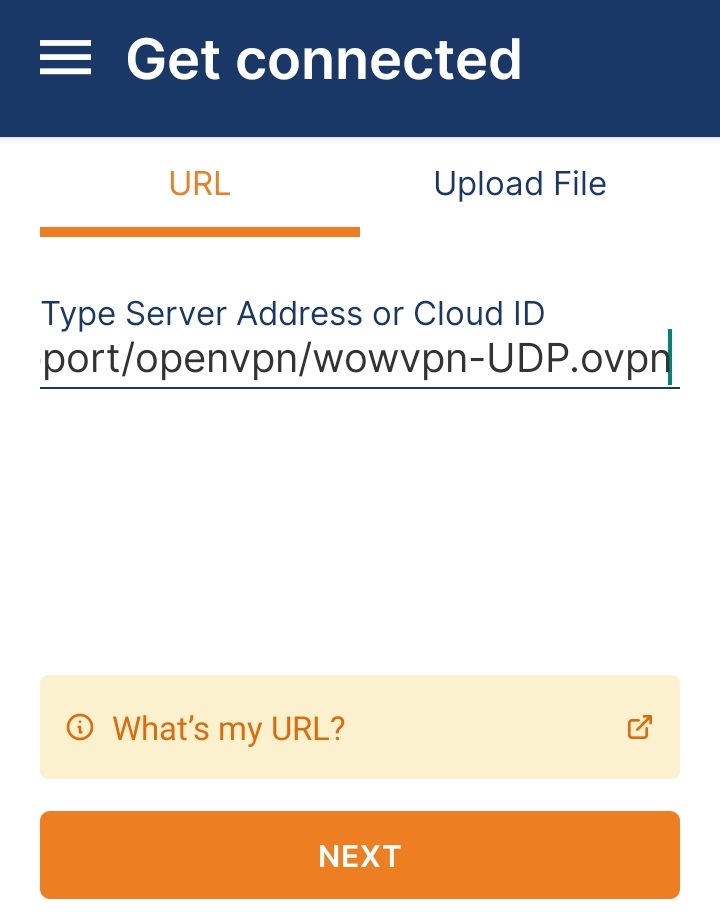
Click "URL" for the Profile and copy the Link "https://www.wowvpn.com/openvpn/wowvpn-UDP/wowvpn-UDP.ovpn" to the URL
Step 3
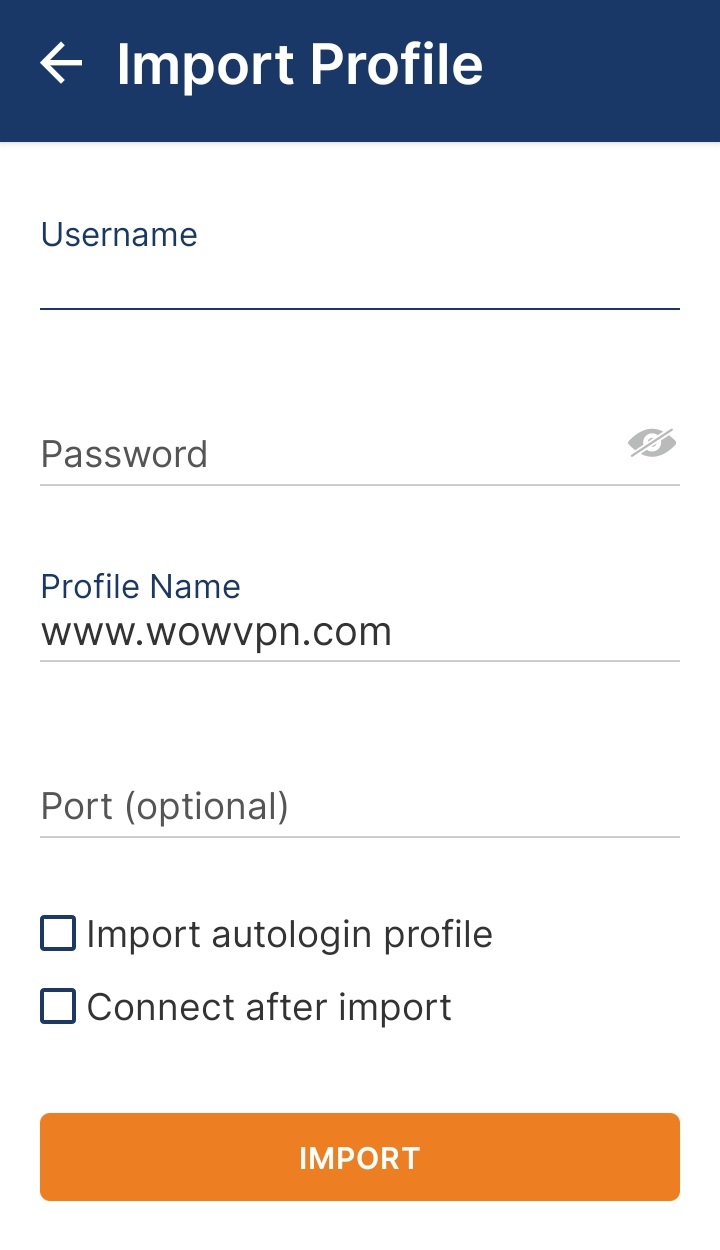
Please add the Login Id and Password for your VPN Account
Username : [Your Wowvpn UserID]
Password : [Your Password]
Step 4
Click "Connect after Import"

Step 5
Click "Import"

You should now be connected to the Internet via the OpenVPN App
Remember to disconnect from the VPN when you are not using WOW VPN as your internet connection speed may be slightly faster without it.