Setting up a VPN connection using OpenVPN for Android
Step 1
Download the 'OPENVPN for Android' from Playstore

Step 2
Downloadable ovpn file UDP : Wow-ovpn-UDP
Step 3
Save the file as "wowvpn-UDP.ovpn"
Step 4
Now double click on the Downloaded OpenVPN (from playstore)
Step 5
Choose the Browse option select the downloaded file "wowvpn-UDP.ovpn"
Step 6
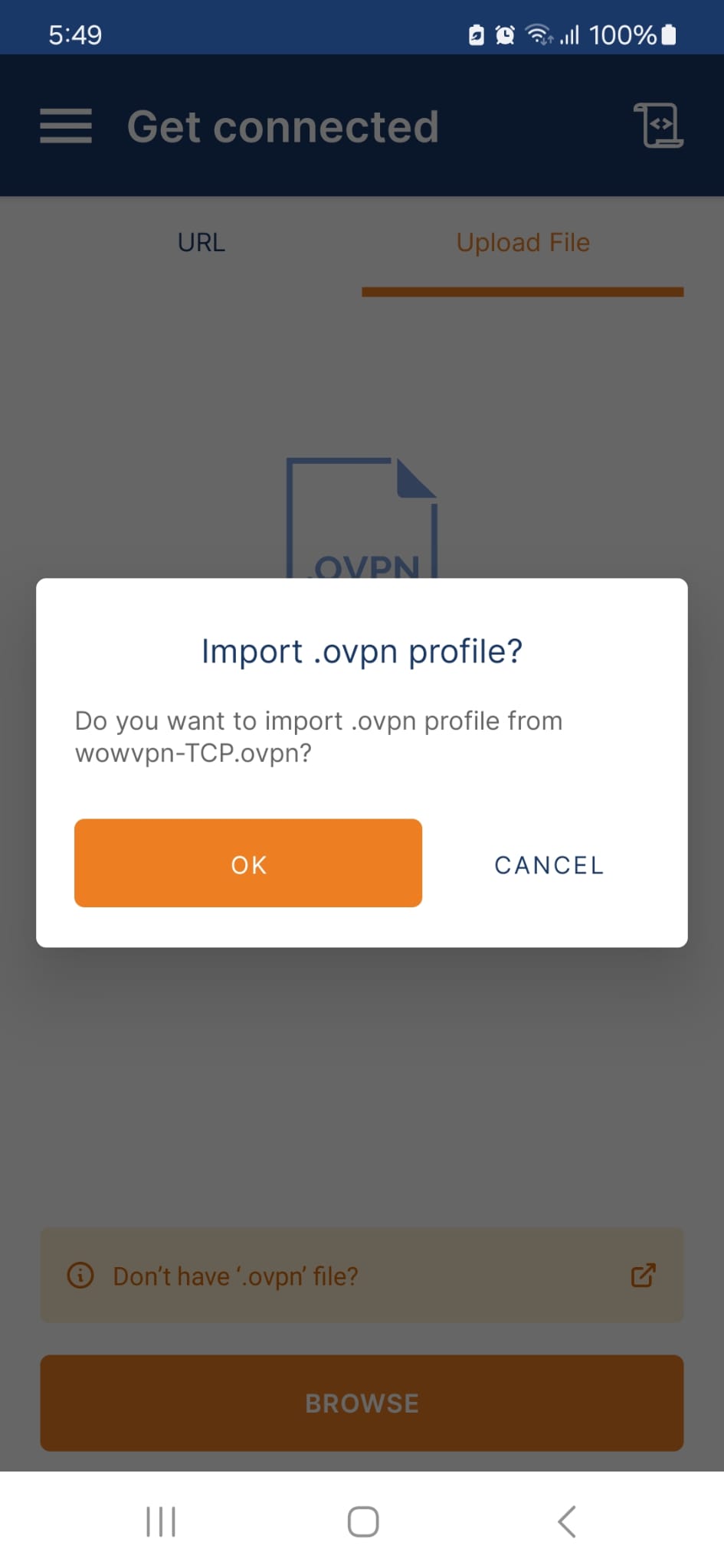
Choose the file and select "Import"
Step 7
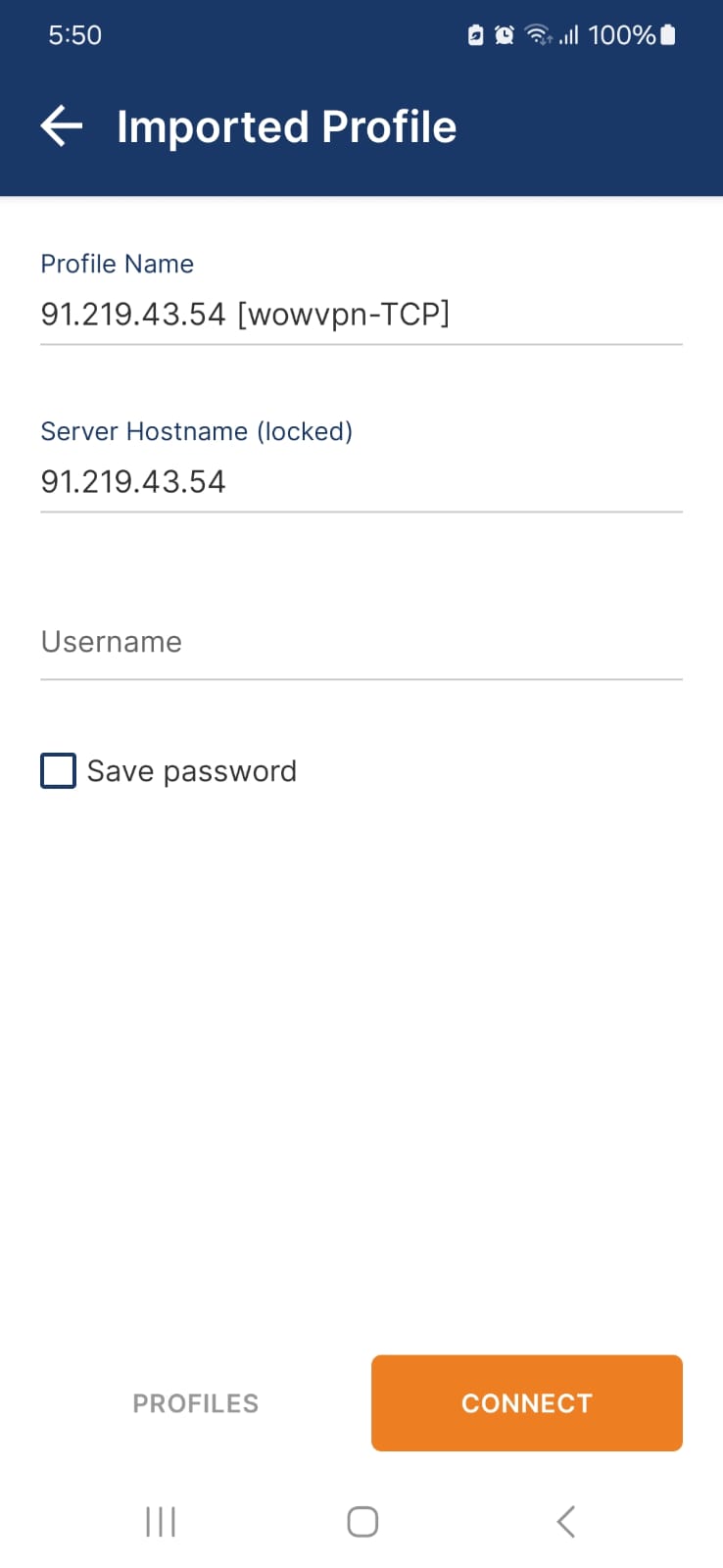
Enter the Login Credentials and click on the Save Password option to Enter the Password that was used to buy the subscription and click Connect.